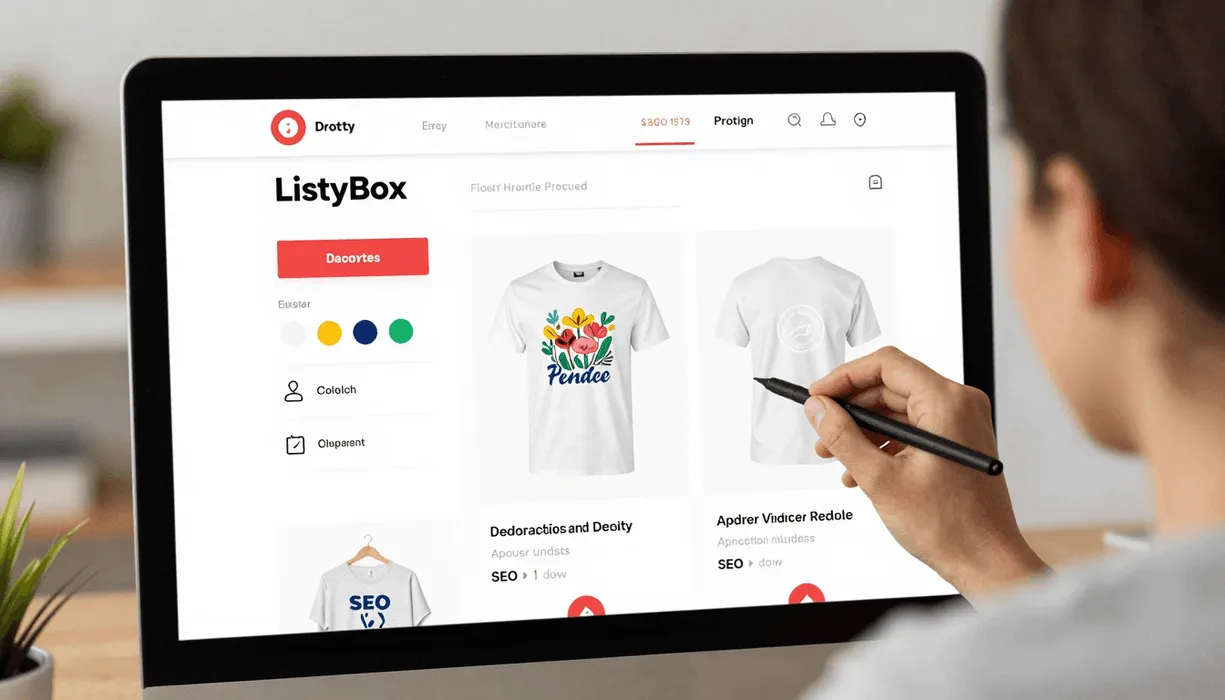

Integrating a print-on-demand partner is the pivotal moment where a creative hobby transforms into a scalable business. For thousands of sellers, Printify serves as the production engine, but the connection to Etsy is where the real work - and often the real struggle - begins.
While the direct link between Printify and Etsy is functional, relying on it alone is like trying to build a skyscraper with a hand trowel. You have the materials, but the process is slow, manual, and prone to error. Smart sellers know that to truly dominate the niche, they need an intelligence layer that sits between production and the marketplace.
The Standard Way: Connecting Printify Directly to Etsy
The traditional method of connecting Printify to Etsy is straightforward but deceptively labor-intensive. It involves linking your accounts and pushing products one by one.
The Setup Process
1. Create your accounts: Sign up for both Etsy and Printify. 2. Link the platforms: In your Printify dashboard, navigate to “My Stores,” click “Add New Store,” and select Etsy. You’ll be redirected to authorize the app. 3. Product Creation: You select a product (like the Bella+Canvas 3001), upload your design, and position it. 4. The Manual Grind: You manually type out a title, write a description, and select tags based on your best guess. 5. Publish: You hit publish and wait for it to sync.
The Hidden Trap of Direct Integration
Meet “Sarah,” a talented graphic designer who just started her POD journey. Her goal was simple: launch a store with her 50 unique floral designs. She connected Printify directly to Etsy and started listing.
The reality hit her hard. For every single shirt, she had to manually copy-paste descriptions, desperately research keywords on external tools, and settle for the same flat mockups that 10,000 other sellers were using. It took her 45 minutes to perfectly list just one product. By the end of the week, she had listed only 12 items and was already burnt out. She realized that at this pace, she would never build the inventory needed to make real income.
Why Smart Sellers Use an “Operating System” like Listybox
Sarah’s struggle is the industry standard for those who rely solely on basic integrations. This is where Listybox steps in. Think of Listybox not just as a tool, but as the operating system for your Etsy business - a command center that manages your production partners like Printify while automating the heavy lifting of SEO, creation, and marketing.
By integrating your workflow through Listybox, you unlock capabilities that native Printify simply cannot offer.
1. Bulk Creation vs. One-by-One Printify requires you to build products individually. If you want to put one design on a t-shirt, a hoodie, and a sweatshirt, that’s three separate creation processes.
With the Creation Wizard, this bottleneck vanishes. You can select your design and apply it to multiple products and color variants instantly. Imagine turning 10 designs into 100 listings in the time it takes to drink your morning coffee. This is the difference between a hobbyist and a scaler.
2. AI-Powered SEO vs. Guesswork Native Printify integration leaves the SEO entirely up to you. You are left staring at a blank “Tags” box.
Listybox’s Magic Wand SEO tool analyzes real-time market data to generate high-ranking titles, tags, and persuasive descriptions automatically. Our internal data suggests that sellers using Magic Wand for their listing optimization save an average of 8 hours per week on keyword research alone. Instead of guessing “flower shirt,” the system might generate “botanical wildflower tee, cottagecore aesthetic top, gardening lover gift,” instantly connecting you with the right buyers.
3. Lifestyle Mockups vs. Generic Images When you publish directly from Printify, you get their default mockups. These are clean but boring, and customers have seen them a million times.
To stand out, you need visuals that evoke emotion. ListyStyle mockup creator automatically generates professional lifestyle images for your products. It places your design on a model in a coffee shop, a park, or a cozy living room. This creates a brand experience that justifies higher prices and drives a higher Click-Through Rate (CTR).
Optimizing the Workflow: Step-by-Step
Here is how you can use Listybox to supercharge your Printify-to-Etsy workflow effectively.
Step 1: Centralize Your Designs Instead of scattering files on your computer, upload them to My Artworks. The system analyzes each design upon upload, preparing it for SEO optimization immediately.
Step 2: Create in Bulk Use the Creation Wizard to apply your designs to your chosen product catalog items. You are not limited to one supplier; you can choose the best quality and margin options available, including those comparable to or better than Printify’s premium network, thanks to our Lowest Price Guarantee.
Step 3: Polish and Publish Before syncing to Etsy, use the Placement Editor to fine-tune exactly how your design sits on the product. Then, let the Magic Wand write your listing copy. Finally, use Scheduled Publish to drip-feed your new products to Etsy over the next few days. This keeps your shop active in the eyes of the algorithm without you having to log in daily.
Printify vs. Listybox Integration: Where the Power Lies
It is important to understand that this isn’t an “either/or” choice - it’s about adding a layer of power. However, relying solely on Printify limits your growth potential compared to using Listybox’s comprehensive suite.
SEO Capabilities
Printify Direct: Non-existent. You must write everything manually.
Listybox Integration: Fully automated with AI integration, targeting high-volume keywords specific to your niche.
Mockup Quality
Printify Direct: Standard, flat images on white or grey backgrounds.
Listybox Integration: High-definition, scenario-based lifestyle mockups that increase conversion.
Listing Speed
Printify Direct: One product at a time. Slow and repetitive.
Listybox Integration: Exponential speed with bulk tools. Create hundreds of variations in minutes.
Does all of this feel overwhelming to set up on your own? You don’t have to start from scratch. With Listybox Store Setup, our expert team sets up your Etsy store, lists your first 10 products, and optimizes everything for SEO. This service is included FREE with annual Starter and Professional plans!
By shifting your workflow to include Listybox, you stop being just a “Printify user” and start being a data-driven e-commerce business owner. You regain the time to focus on what matters most: creating great designs and growing your brand.
Put this into practice in your shop.
Every step from design to live listing, on one platform. Start on the free plan.
No credit card required.